Major Error Fix on Chronicle desktop
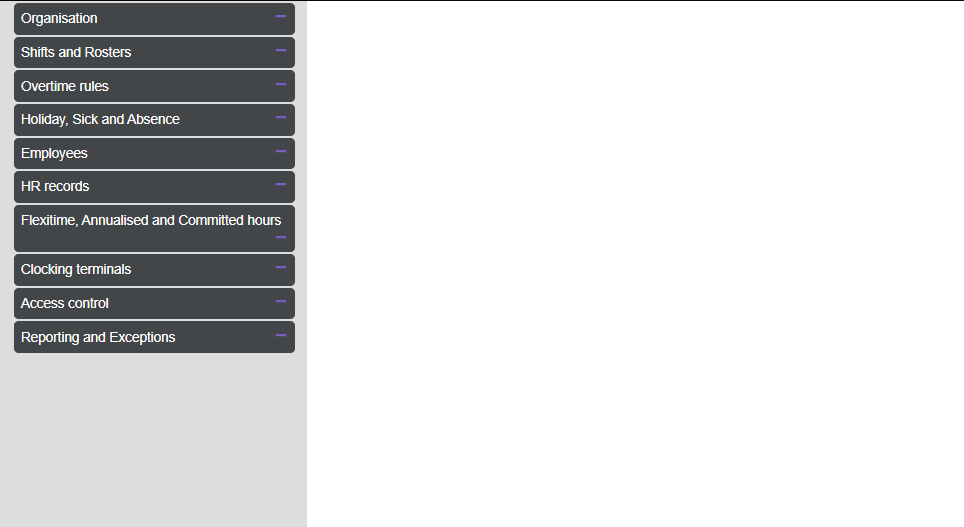
Since we have installed Chronicle every now and again we get a Glitch/Error within the app, resulting in all dropdown options in the settings to be blank.
the only way I have found to fix it is jumping onto another super users account and removing all permissions off the effected user (multiple times) and putting them back on to reset the issue.
As you can imagen this is a huge inconvenience for multiple reasons.
has anyone else experienced this issue?
can you please look into this issue?
Thank you
Log in to comment and vote
Comments2
Chronicle Admin
Mar 13, 2025
Thank you for your post, this sounds more like a technical support issue rather than a suggestion for the development roadmap, I will close this post and one of the technical team will be in touch with you directly to assist. Please do not hesitate to get in touch with the technical team, or your account manager if you need any further assistance.
Louise Agnew
Mar 12, 2025
Hi, I think this may be one for the technical team to look at, rather than the development roadmap?